Old Guy Moments…Argh!
So, AI is all the RAGE or FEAR depending on your view of the future…of education…of the world…of humanity. I believe it is here to stay, at least in some form, just like the Internet, Google, Wikipedia, Web 2.0, and other forms of technology. I have been playing/experimenting with it for a while now, I want to learn more so I can address it APPROPRIATELY with my students. There will be other posts on that later, or you can listen to our discussions on the PAECT Pod. I am off-topic from the start of this post…let’s redirect…
For my classes Civil Rights/Black History Month Projects we once again were creating video projects, this time using Canva. I have some students who are a bit shy and do not like recording their voices for projects. The idea was to find a TEXT TO SPEECH TOOL my students could use for their projects, like VOKI. I went through my lists of resources from my PLN and Google and played with other free AI tools. Some worked, but some were not really free if you wanted to download and use the text-to-voice file elsewhere. Students used several of the free tools, one that worked well, we broke when it read every student using it in our building as the same user. It found us “SUS” and shut down our attempts. I have to reach out to them and see if I can correct that issue.
Anyways, yesterday I had a student who had been absent finishing up their project, but could not record audio due to losing their voice from illness, Instead of going to Wakelet to look over my curated resources, I had the student open up the apps tab in Canva…THERE IT WAS THE ENTIRE TIME!!!! A TEXT-TO-VOICE app right within the tool we were using!!!! ARGH!!!! In the immortal words of Mr. Dierks Bentley, “What was I thinking!” Murf.AI was right there. We connected through Google, and the student copied and pasted their script from Google Docs into the Canva-connected app which automatically pushed the audio into their project. No downloading MP3s uploading MP3s then dropping them in to the projects, which is easy enough, but this is integrated right in the same program.
Why I did not check on this first, I have not a clue, but alas and alack, I now know better. I learned from my error, which I attribute to my age…yes, it is a low-hanging fruit of an excuse, but it works today.
Below are screen shots of Canva and Murf.AI along with an embedded video made with that app.
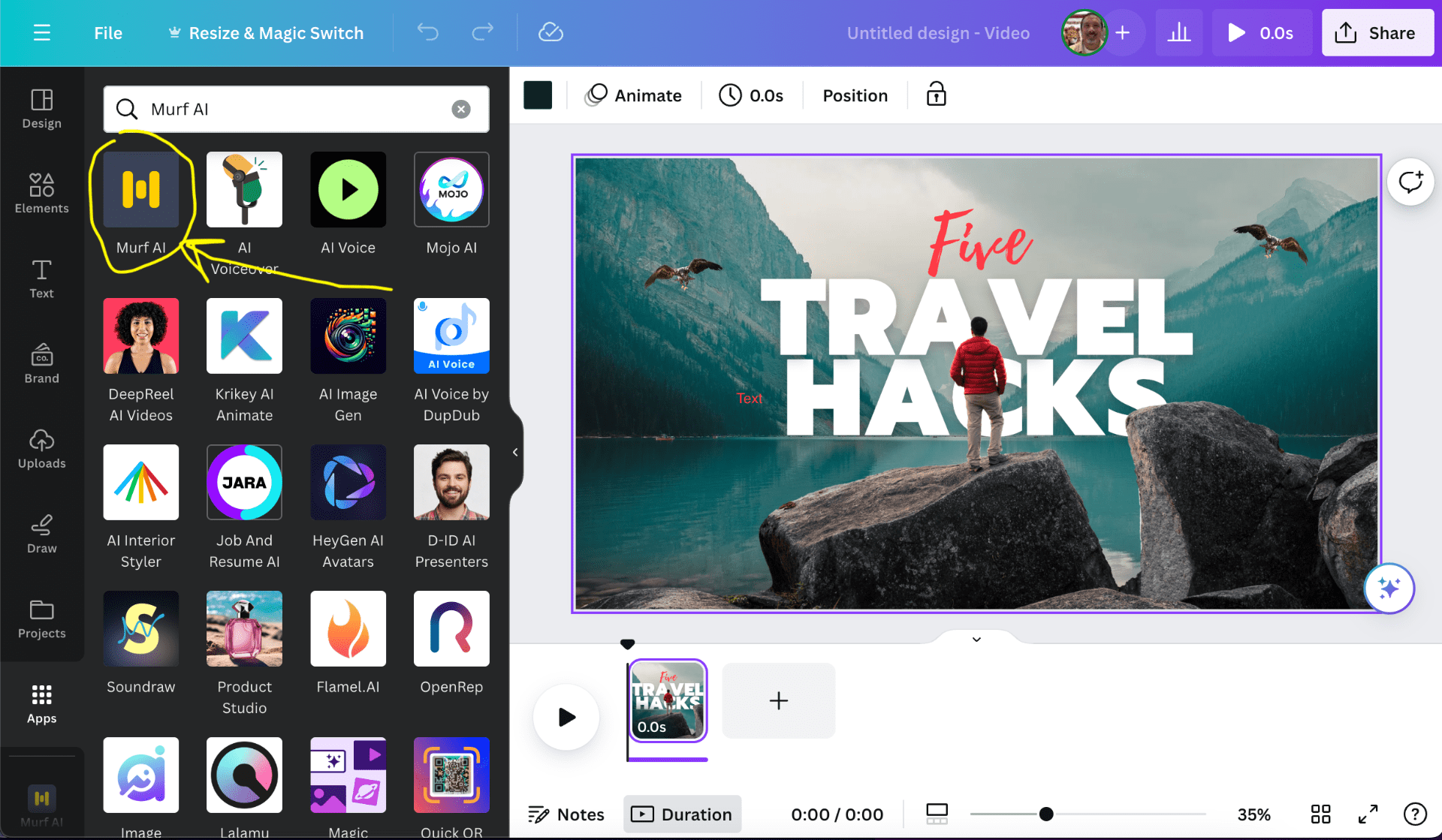
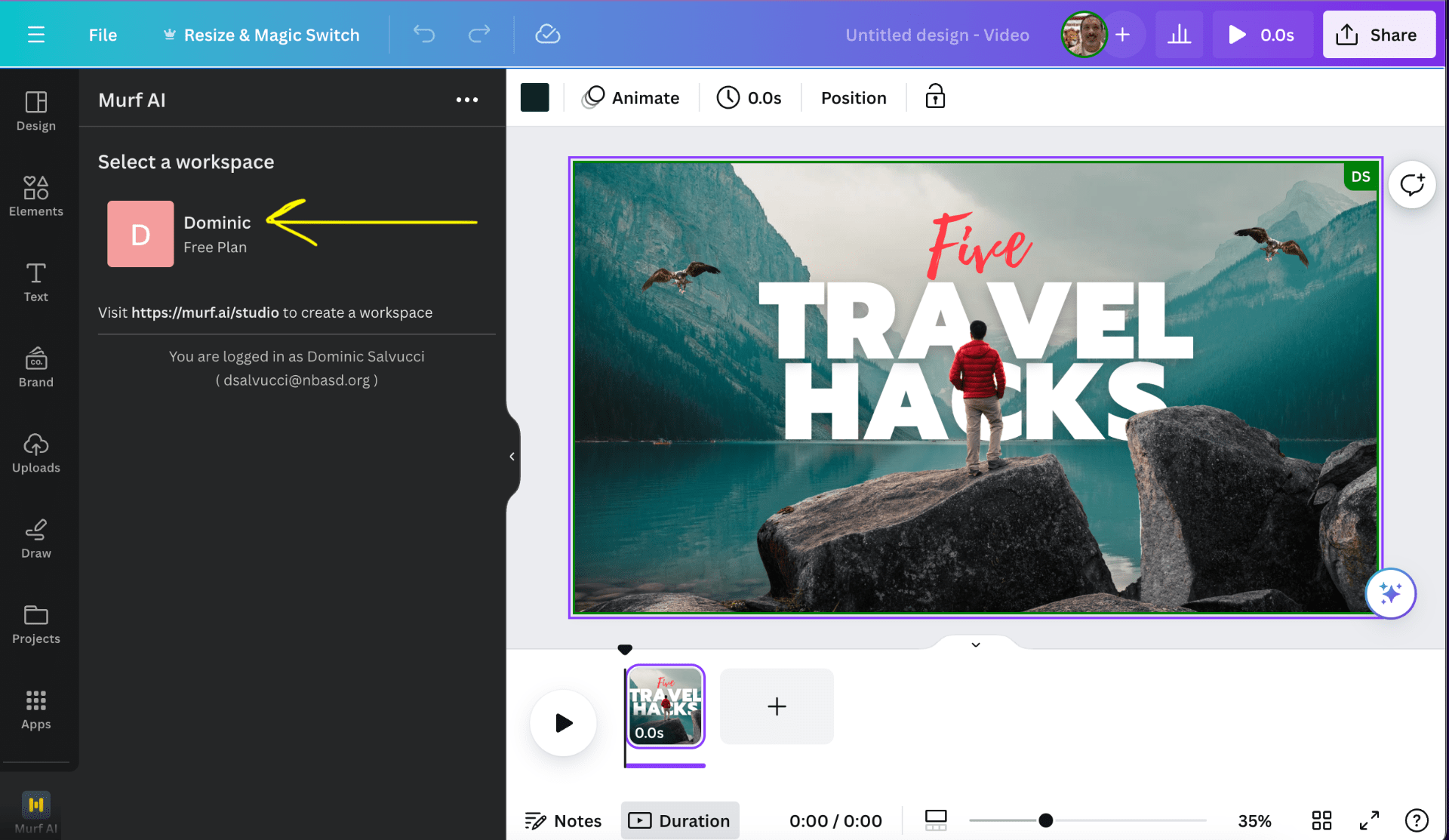 Create or log into your account, we used our school Googler Signins.

You can choose which voice to use, some are PRO Account only.

Choose tone of voice and type in or copy and paste what you want the app to say.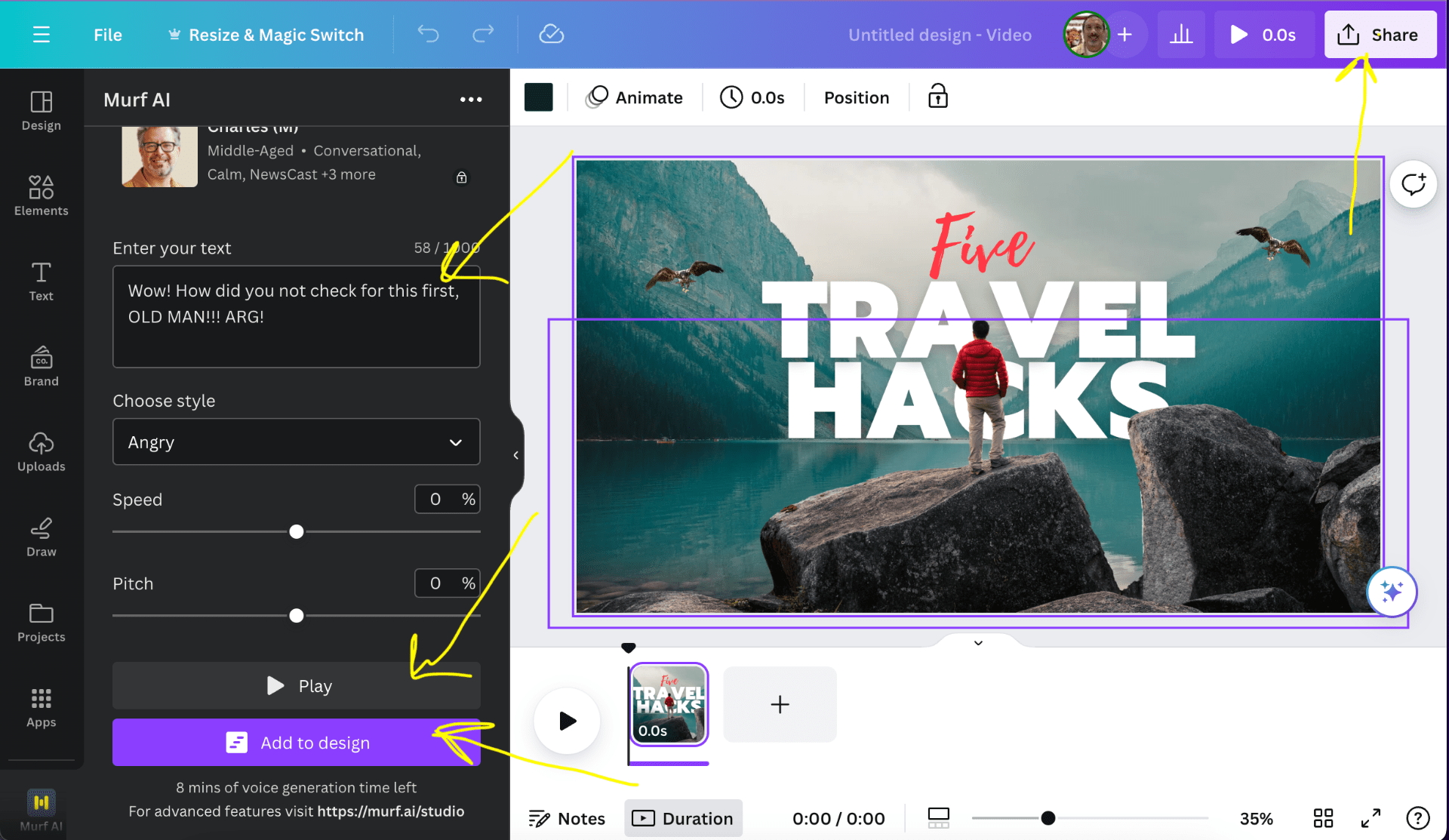
You can test the voice and adjust as you feel is necessary. When you are satisfied, click “Add to design.” Once you add the audio, you may need to adjust the length of your clip to get the audio and image to match up.
Granted, there are limitations to what AI can accomplish at this time.